πŸ“‹AdminHub ✦ phyrenix.com
✦ 17 ADMIN TOOLS · FREE INSTANT ANSWERS

Admin answers that tame the paperwork.

The bills, the renewals, the school forms, the folders you keep meaning to start β€” life admin is not glamorous, but it is mostly small, and small is beatable. These tools score the backlog, do the bill-due calendar maths, settle paper-versus-scan, and walk you through email zero, password inventories, insurance reviews, subscription audits, tax-file keeping, photo backups and the folders that would save your family a hard week. Kind, practical, one small session at a time — heroic weekends not required. The full detailed report costs less than a coffee: $3.95.

17 toolsFree instant local answers β‰ˆ one coffee ($3.95) for the full reportNo sign-up Β· No spam Β· Educational

Paper vs Scan: Which Documents Stay Physical?

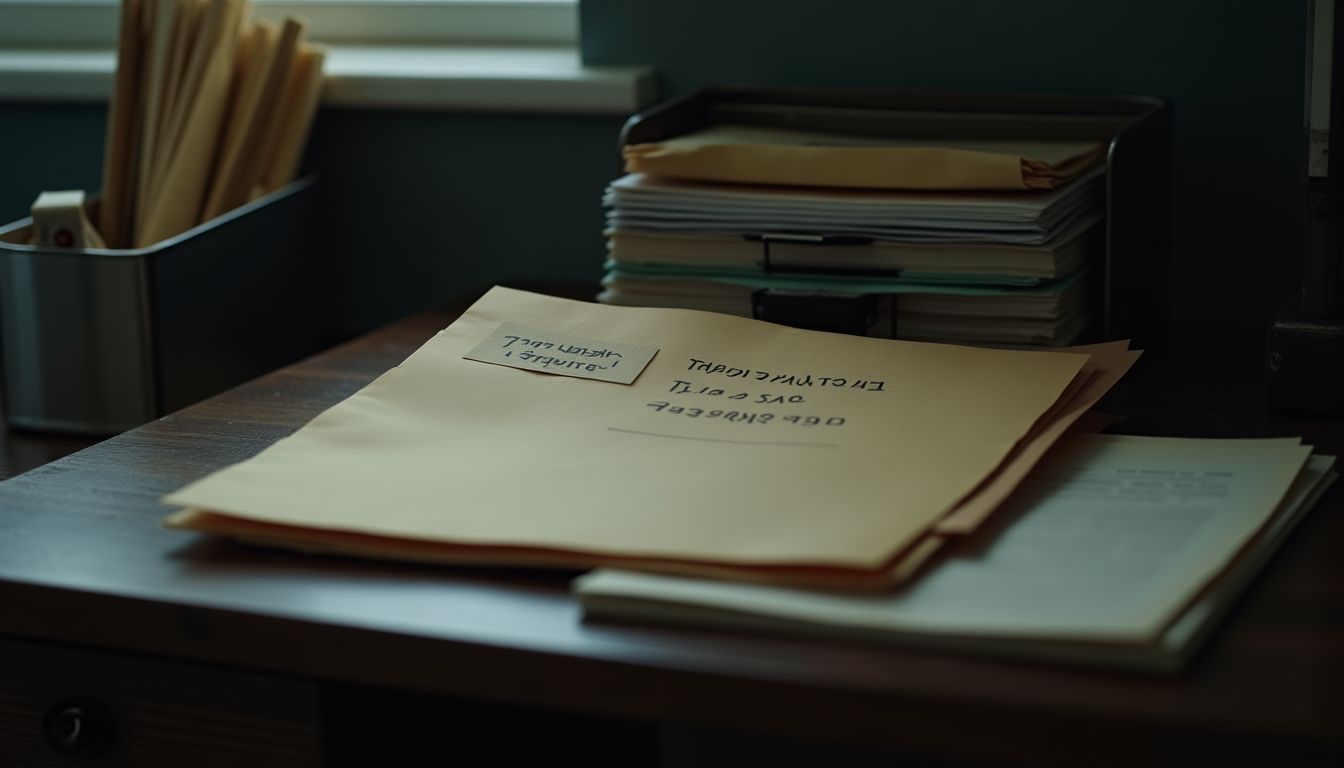
A neat stack of labelled manila folders, a metal in-tray and a pen on a charcoal desk under soft steel-grey light, calm organised mood β€” admin paperwork and filing guide

The paper-versus-scan question is really two questions: what do you need to reach for often, and what do you only need in case? This calculator takes the size of your pile and your honest scanning speed and works out the real time and digital size involved, then applies a simple rule β€” under roughly 80 pages a labelled file beats a scanner, while a real backlog needs a plan of short sessions, not a heroic weekend. It also flags the documents that should stay physical no matter what, because a scan is only as good as the backup behind it.

⚑ Free instant check

Decide document by document whether paper stays in a box or becomes a scan β€” the time scanning really takes, the digital size it becomes, and the honest rule for what must stay physical.

❓ Paper vs Scan: Which Documents Stay Physical? β€” FAQ

Which documents must always stay physical?

Originals with stamps, seals or signatures that institutions ask to see β€” passports, certificates, signed deeds β€” plus anything a lawyer or accountant tells you to keep in original form. When in doubt, keep the original and scan a working copy for everyday use.

How long does scanning really take?

About two minutes per document including naming and filing, which means an hour clears roughly 30 documents. That is why the calculator treats a full backlog as a multi-session project rather than an afternoon.

How much space will my scans use?

Roughly 0.5 MB per page at sensible quality, so a full archive box of about 2,500 pages is around 1.2 GB β€” trivial for a modern drive. The constraint is your time, not the storage.

πŸ“‹ All admin tools

Every tool answers instantly from our own knowledge and calculators β€” no AI wait, no account. Honest maths and plain-language guidance, always educational and never a substitute for professional advice: life-admin rules differ by country, employer and situation, so each answer tells you what is generally true, what to check locally, and what your next step should be β€” never hype, never pressure. Results are estimates and next-step aids, not legal, financial, insurance or tax opinions, and nothing you type is stored. Want the deeper, personalised version? Each has a $3.95 full report.

πŸ“ Paperwork & Filing
πŸ“… Bills, Renewals & Subscriptions
πŸ—‚οΈ Health, Digital & Legal Files
Educational information only — not legal, financial, insurance or tax advice, and never a guarantee of outcomes. Admin systems vary by country and situation (we write from a New Zealand base; your local rules may differ): the tools give plain-language estimates and next steps, not professional opinions. For wills, powers of attorney, tax, insurance or medical matters that matter, a qualified local professional is the right next step. Refunds honoured.
Β© 2026 Admin Hub Β· part of the phyrenix.com network Β· WebMCP manifest Β· tools.json